For teams, weddings and events
Easy photo upload for teams, weddings and events.
Everyone shoots on their own phone, and every photo lands in one library. AI organizes it, so you can search by what you remember. Your other AI tools can use the library too.
The iPhone app is a free download. It works with no signal and uploads when the phone finds a connection.
Who it's for
Planning a wedding or one event? See the $79 one-event pass.
How it works
Upload the photos. The AI does the rest.
- 01
You upload
Pick the photos worth sending. That is the whole job — no album to choose, nothing to name, no form to fill in.
- 02
The AI files it
Every file is read for when it was taken, where, and what is in it. The labels are written for you, and the library can be asked by any of the three.
When it gets something wrong, you say so, in a sentence. It offers that back as a rule, you accept it, and every photo after that is read your way — so it learns your business rather than photography in general.
- 03
You get it back
Ask for what you need by date, by place, or by what is in the shot. Or skip the asking and point your own AI at the library through our API.
A thousand photos, reviewed in about ten minutes.
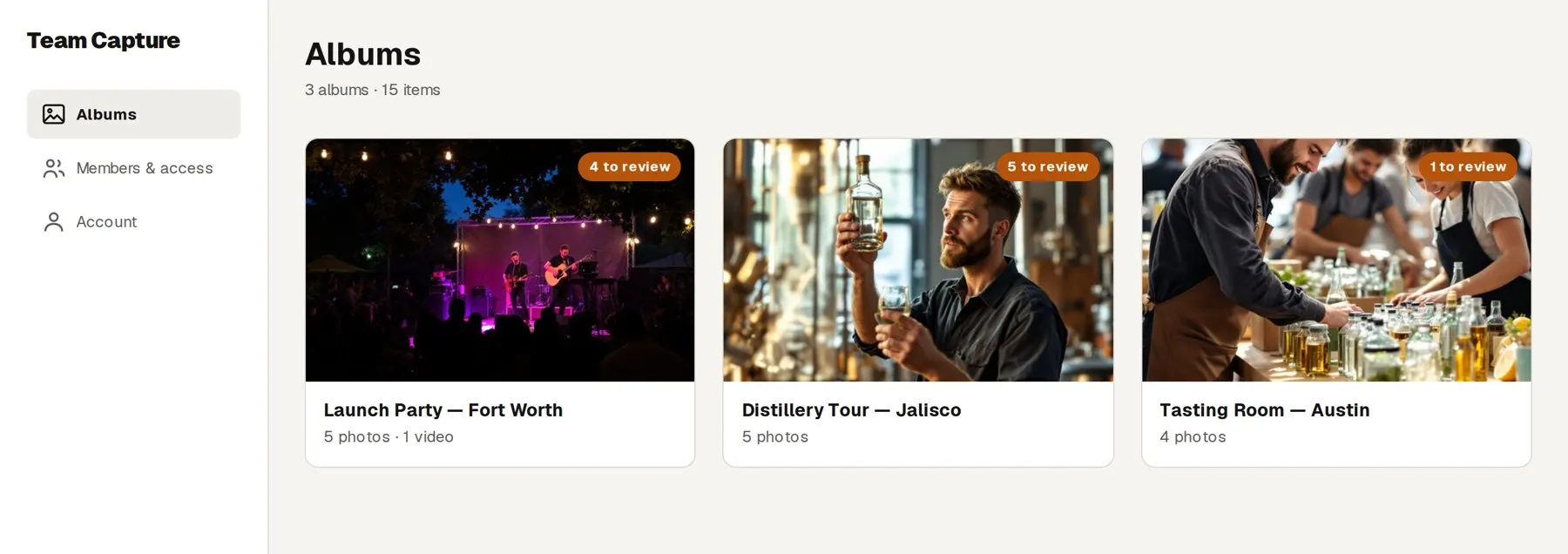
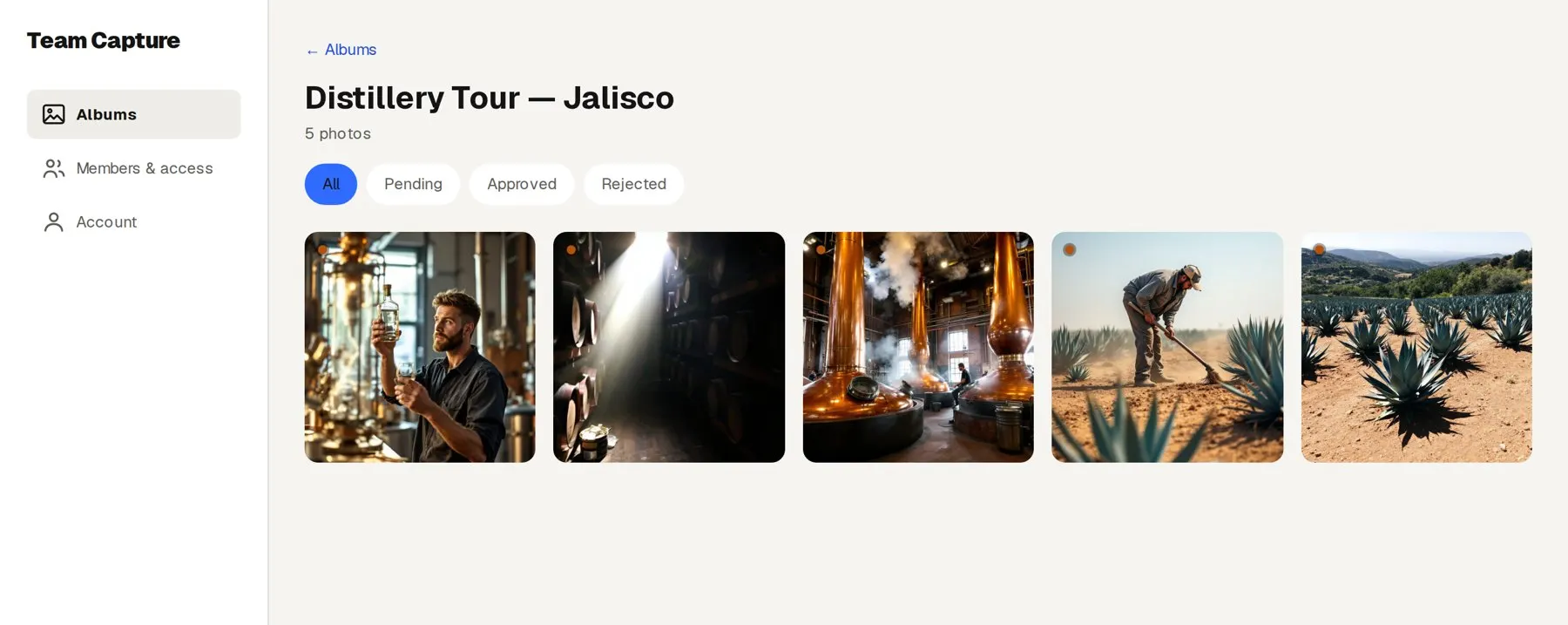
Before you open the album, the AI has sorted what is waiting into three piles: likely keep, likely skip, unsure. Look through a pile and approve or reject the whole thing in one click. The unsure pile goes one photo at a time, A to approve, R to reject, with the next one already loaded. Nothing is decided until you press the button.
What it costs
Plans start at $99 a month. Just one event? $79 once.
See pricingQuestions
The things people ask first.
Does it know what our products look like?
Not at first, and nothing trained on the open internet could. You tell it, in a conversation that takes about five minutes: what your products are, who comes up often, where you usually shoot. Send it a photo and it will tell you how it would label that shot, so you can correct it before it gets the habit. Everything it learns lands on one page in plain English that you can read, edit and delete lines from.
Can my team see each other's photos?
Yes. The app has a Feed tab that shows what the team has shared, newest first. A photo appears there once you have approved it and it has passed the automatic safety check. People can like a photo and comment on it. Anyone can report a photo or a comment, and block a person.
How does someone on my team get in?
You add each person's email in the dashboard. They install the app and sign in with a six-digit code we email them. No passwords, and nothing for you to set up per person.
What about the photos already on their phone?
They pick them from the camera roll, or share straight to Team Capture from Photos. At most events that is where the good shots already are, so it is the way most people use it.
Do we get the full-resolution original?
Yes, at the original dimensions. Nothing is downscaled on the way in, and an iPhone photo in HEIC format is saved as a high-quality JPEG at the same dimensions when it comes in through the app, so it opens everywhere; other files keep the format they arrived in.
What happens when there is no signal at the venue?
The upload waits on the phone. Close the app, restart the phone, drive home, it keeps its place and finishes when a connection comes back.
What if two people upload the same photo?
It only lands once. Every file is fingerprinted as it is taken in, so the same original cannot be added to the account twice.
Can everyone see everyone else's photos?
Admins see everything that gets sent, and you always see your own. What you do not send never leaves your phone.
Does anybody have to file anything?
No. Staff send photos and stop there. The filing is done from the date, the place and what is in the shot.
A thousand photos come in from one night. Who goes through them?
You do, but not one at a time. The AI sorts everything waiting for approval into three piles: likely keep (sharp, well exposed, not a duplicate), likely skip (duplicates, and anything that scored under 50) and unsure. Spot check a pile, then approve or reject all of it in one click. The unsure pile is a one-photo-at-a-time review with keyboard shortcuts. About ten minutes for 1,000 photos, and nothing is approved until you press the button.
Can we get everything out at once?
An admin selects what they want in the dashboard and exports it, up to sixty items at a time, originals included.
Someone leaves. What happens to the photos they took?
It stays with the account. You revoke their access from the dashboard and their photos remain where they already are.
Can people without the app send photos?
Yes. Make a link for the event in the dashboard and email it, or print its QR code. They open it on their phone and upload in the browser, with no app and no account. What they send lands in that event’s album and waits in the same review as everything else.
Does it work on Android?
The app is iPhone only for now. Anyone on Android can send photos and videos through an event’s link or QR code, in the browser, with no app.
Start it yourself, tonight.
Put a card down, bring your team in, and shoot your next event. The 14 days do not begin until your team actually uploads something, so signing up three weeks early costs you nothing.
Start free trialSeveral brands, or thousands of employees? Talk to us instead.